 A new digital collage based on family photos, and scans of some of my sketches (plus the owl--he's not related to us). The best thing about digital collage is not having to clean up a mess afterward!
 Here's my latest PE5 attempt, using my own lettering (scanned), and a butterfly wing image from graphicsfairy.blogspot.com/ that I altered. The background is an image from scrapgirls.com. These sites have images that can be downloaded- free!
 May everyone celebrating the Jewish New Year have a happy, healthy, safe, and prosperous year.
 I'm still playing in Photoshop Elements (hereafter referred to as PE5), despite lots of other (more important?) things to do. I discovered ways to create more effects! This is my last experiment for tonight.
 This is what I created during the first lesson of the Digital Collage class I'm taking online. It's a combination of two images (we chose from those provided by the teacher), with various blending and embellishing effects. I'm learning, but very slowly :).
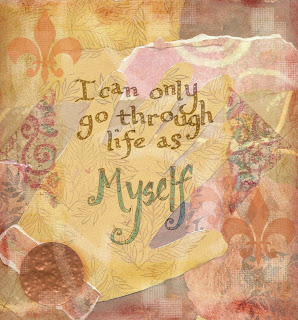 This is another Photoshop Elements attempt. I created a digital collage by layering images of two separate art journaling pages, and adding some embellishments. (As you can see, one of the images I used is the banner for this blog.) Challenging and fun!
 Here's one of my favorite old photos of myself (you've seen it before :)), embellished via Photoshop Elements this weekend. Talk about a learning curve! I finally enrolled in an online class through Creative Workshops.ning, where I hope to pick up some more digital collage skills.


